KCTS CUSTOMER HELP
Buy tokens.
Download with confidence.
Follow these steps to purchase a token, download a file, and find it again later.
$25 per token1 token = 1 fileAll files are OEM and unmodified.
The screenshots below show an example account. Your balance, files, and purchase history will be different.
01
How to purchase a token
- On your first visit, read and accept the purchase notice.
- Select Buy tokens, or select the token balance in the top-right corner.
- Sign in if prompted. Use this same account for future downloads.
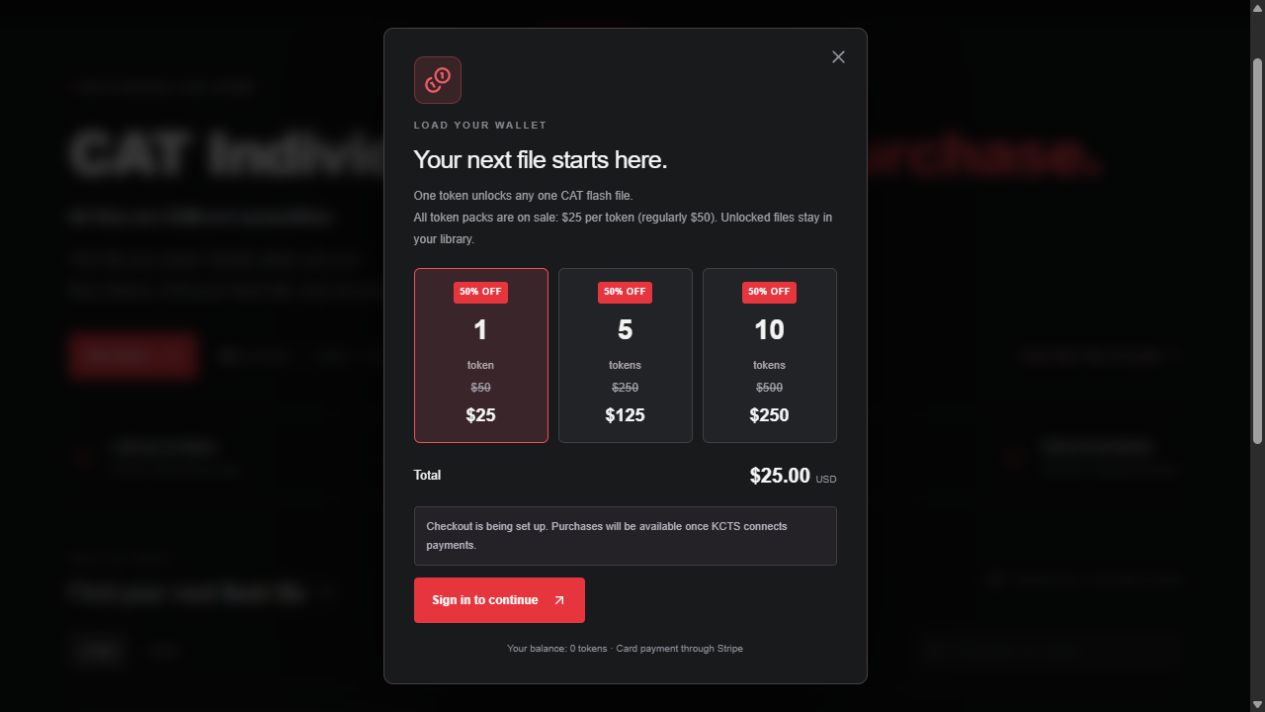
- Choose a pack: 1 token for $25, 5 for $125, or 10 for $250.
- Select Continue to secure checkout and complete your payment on Stripe.
- Return to the storefront. Once payment is confirmed, your token balance updates.
If checkout is unavailable, purchases have not yet been enabled by KCTS. If a payment is still processing, wait for confirmation before trying to purchase again.
02
How to download a file
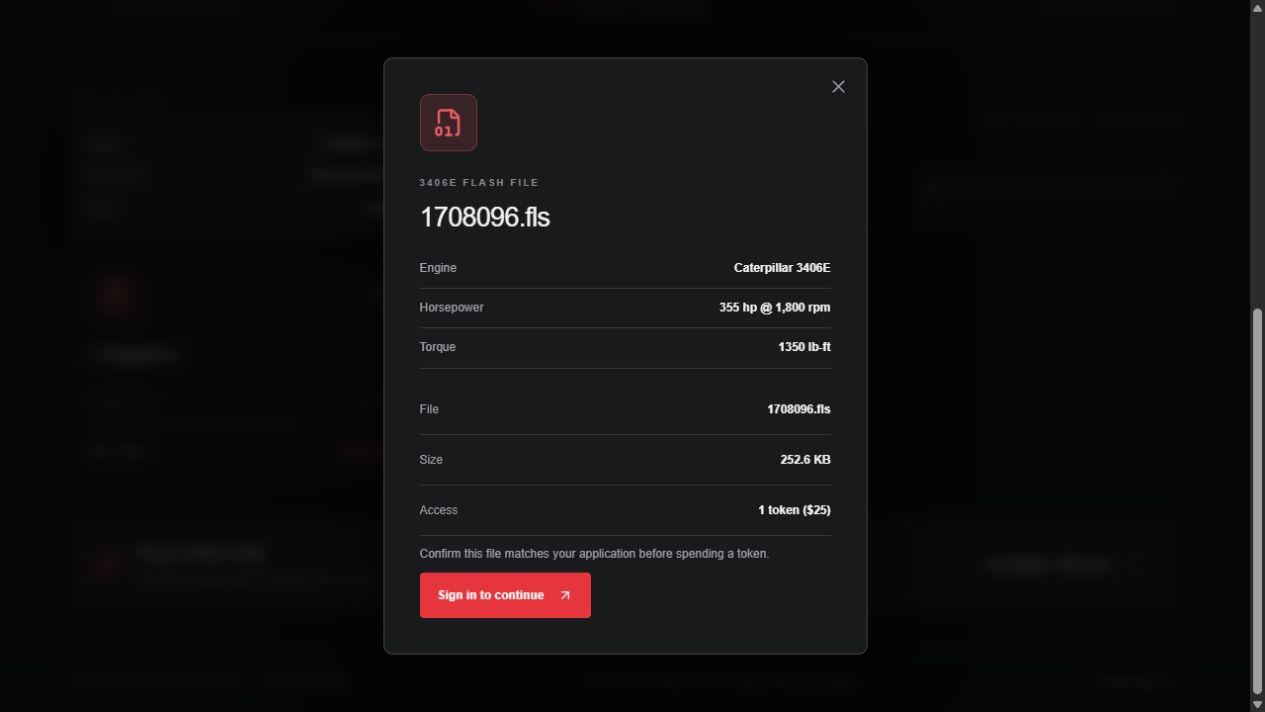
- Open the Flash file catalog. Search the exact file or part number, or choose an engine category.
- Select the filename or View file to open its details.
- Check the file number, engine, horsepower, and torque where available. Confirm the file is correct for your application.
- With a token in your balance, select Use 1 token & download. One token is spent to unlock that file.
- Save the file when your browser asks. Otherwise, check the download location configured in your browser, usually your computer’s Downloads folder.
If the transfer is interrupted after the file unlocks, download it again from My downloads. The same unlocked file does not require another token.
03
How to check your downloads
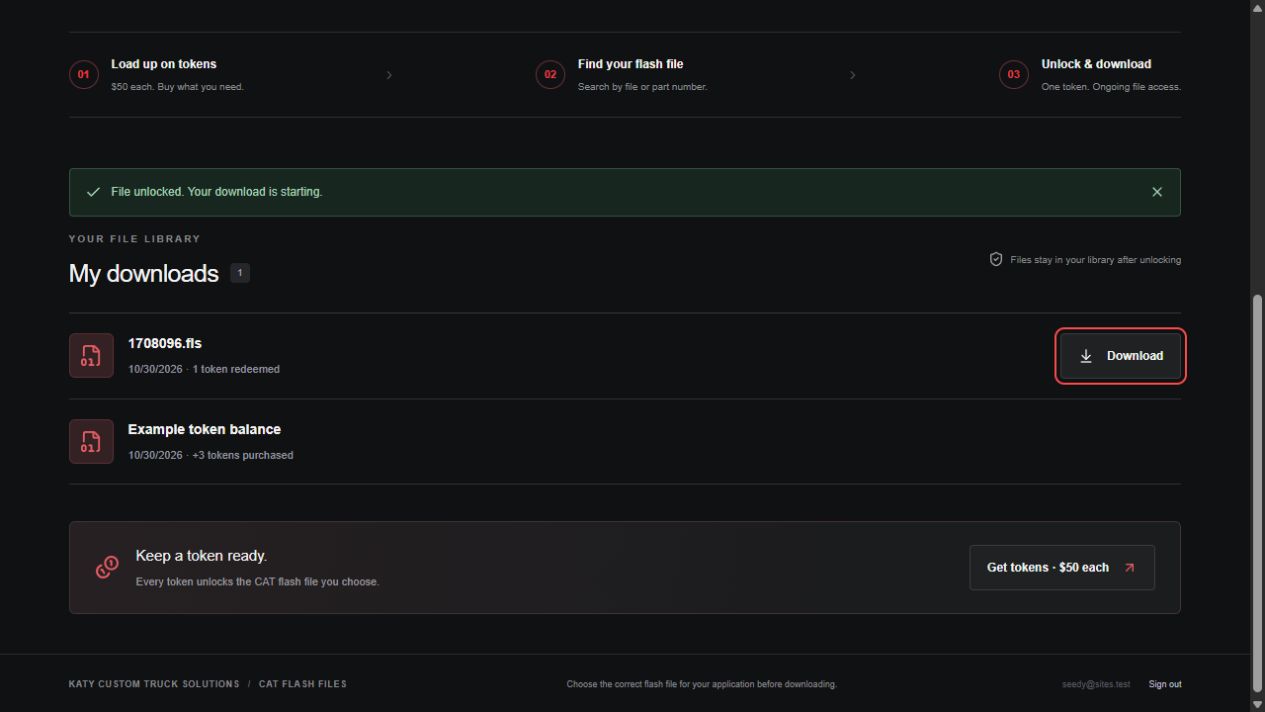
- Sign in using the account that unlocked your file.
- Select My downloads in the top navigation.
- Find your file in the list. The date and token activity appear underneath its name.
- Select Download beside that file whenever you need another copy.
Your library also lists token purchases. An empty library usually means you have not unlocked a file yet, or you are signed in to a different account.